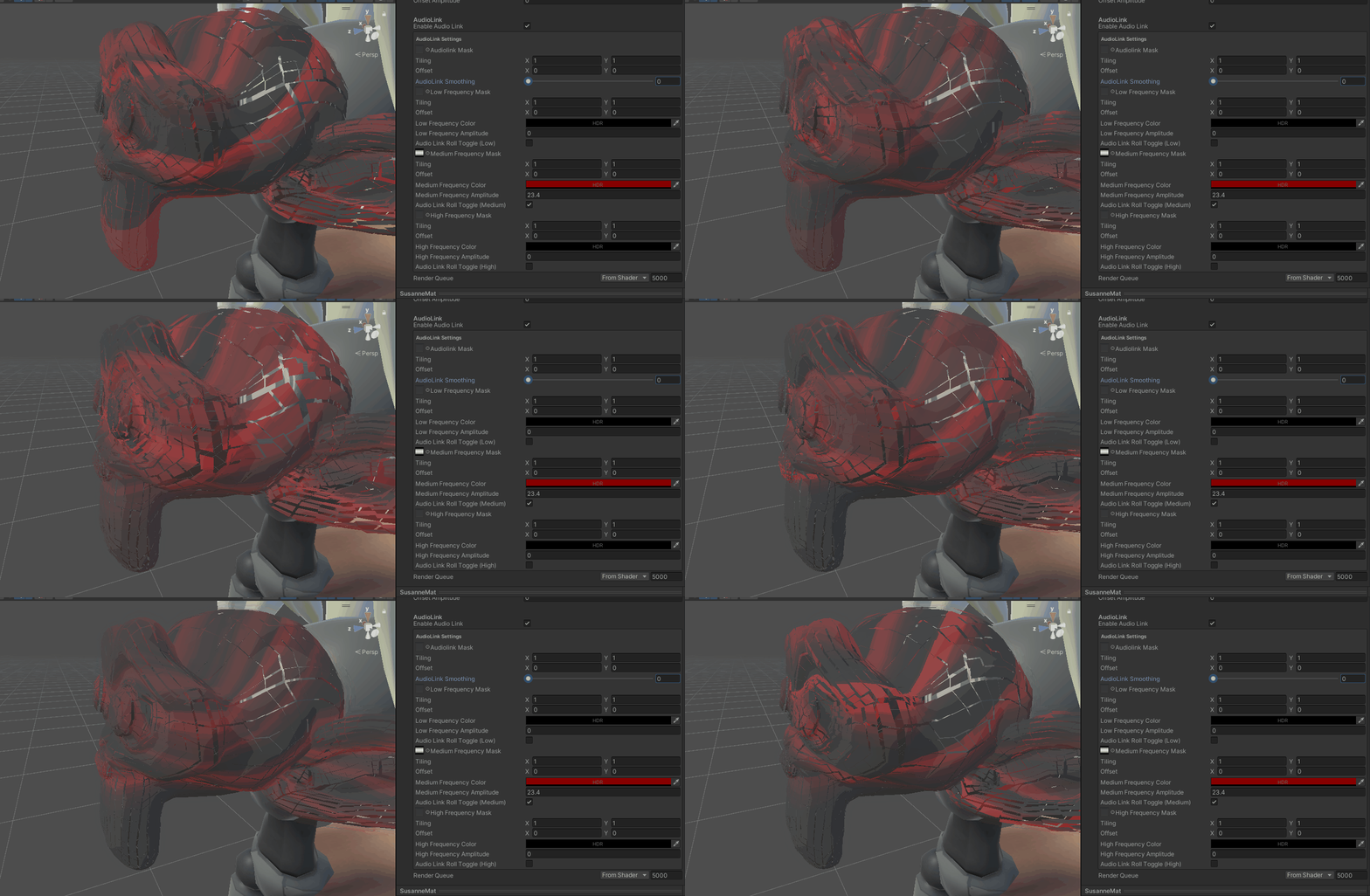
AudioLink
AudioLinkMask
The main AudioLink-Mask is used to enable or disable certain channels in regions of your mesh. The standard uv is used for sampling the texture. The read data is used to multiply the individual channels textures. The mapping is:
Red channel -> Low band
Green channel -> Medium band
Blue channel -> High band
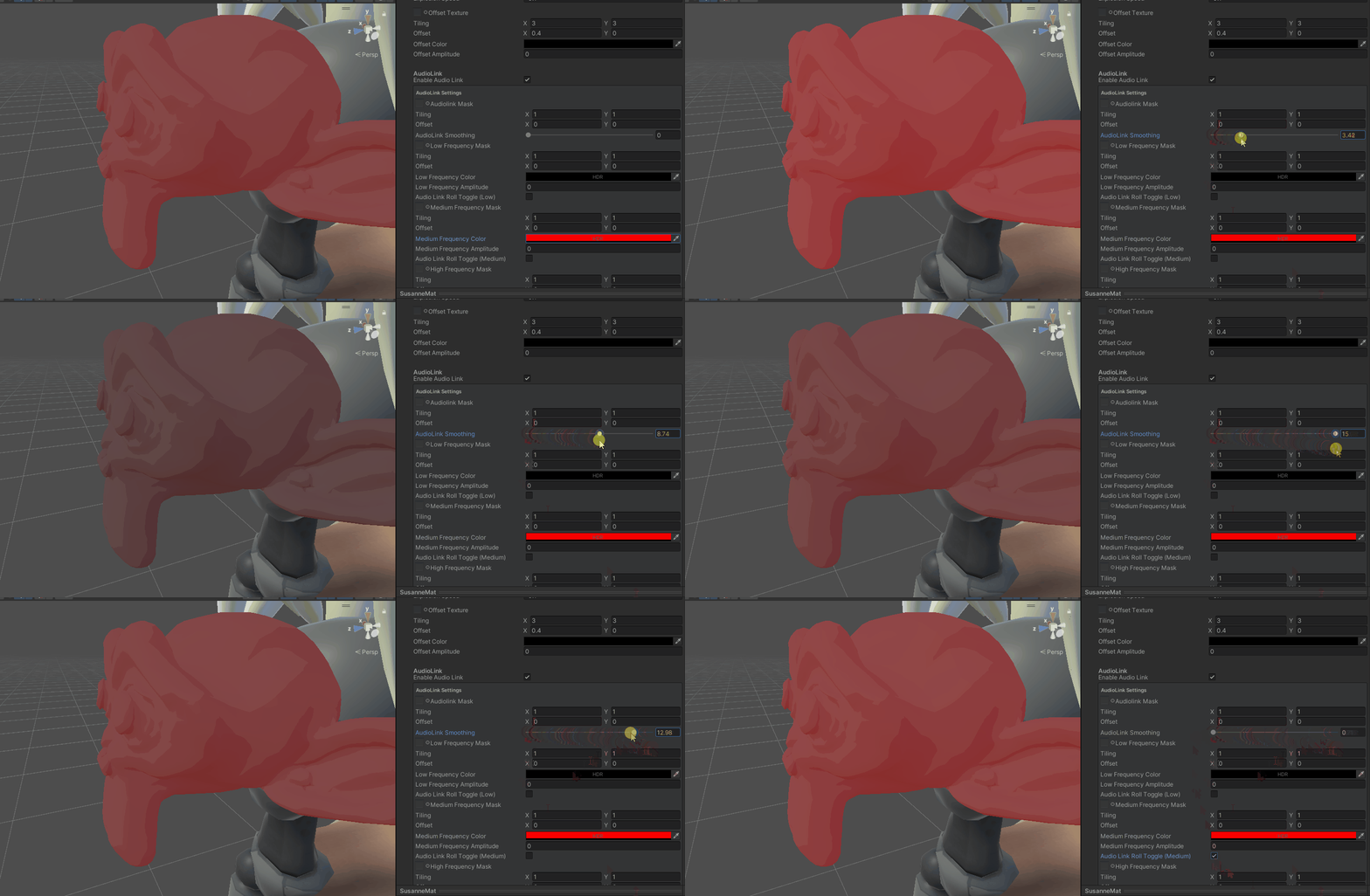
AudioLink Smoothing
If the AudioLink roll toggle is disabled, the amplitude of the audio is smoothed. You can adjust it from 0 to 15, where 0 is the least smoothed. If you want to disable the smoothing, enable the roll toggle and do not add a texture.
Settings per channel
The rest of the settings are the same per audio channel.
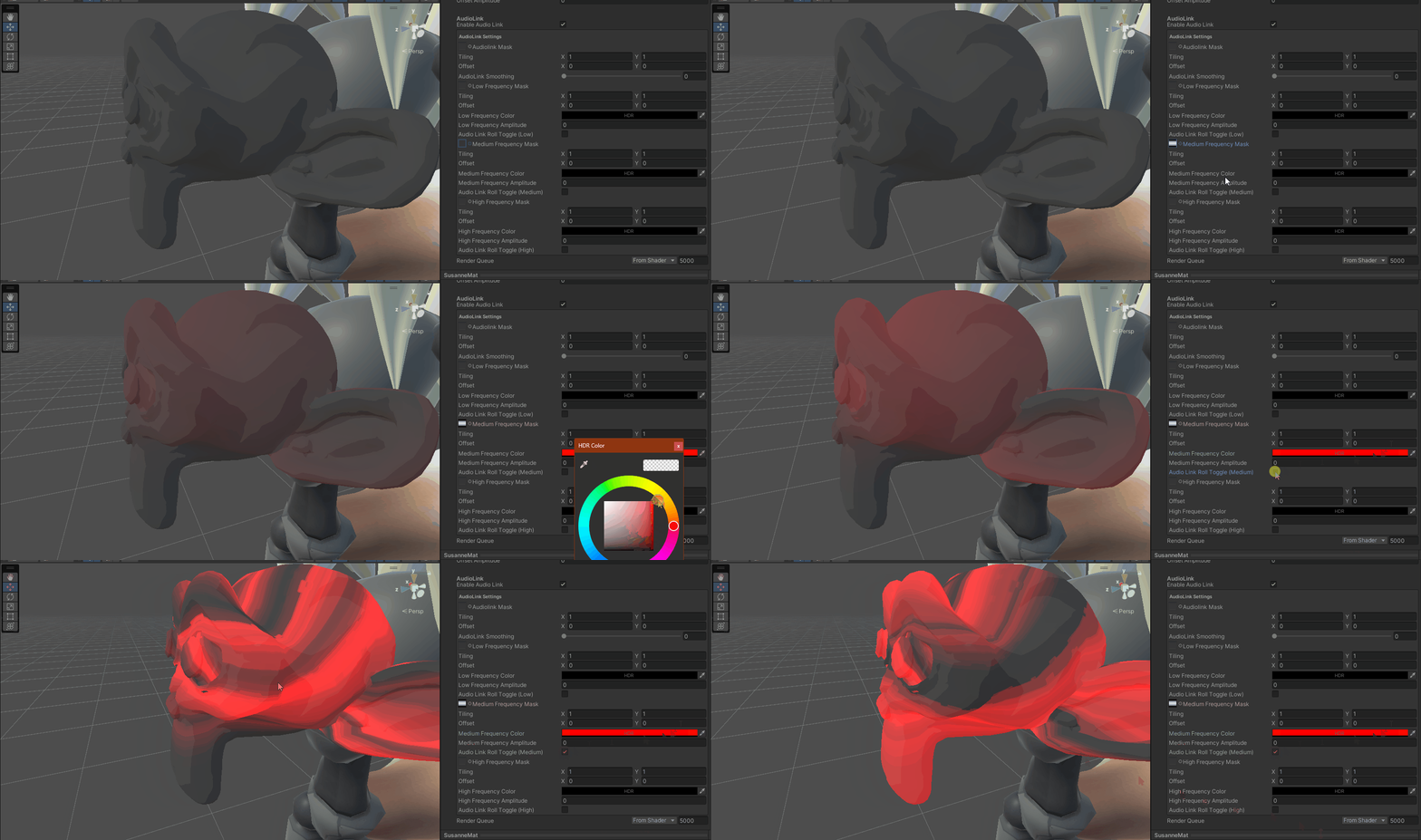
Channel mask
Roll disabled
If the roll is disabled, the channel mask acts like a normal mask, the same color channels as with the main mask are sampled.
Roll enabled
If the roll is enabled, the amplitude is moved over time. The moment a soundwave is playing it will light up at the vertices where the channel mask is 0. It will then travel up to the color channel value. So it will light up at vertices where the value is 0 and then travel up to 1.0.
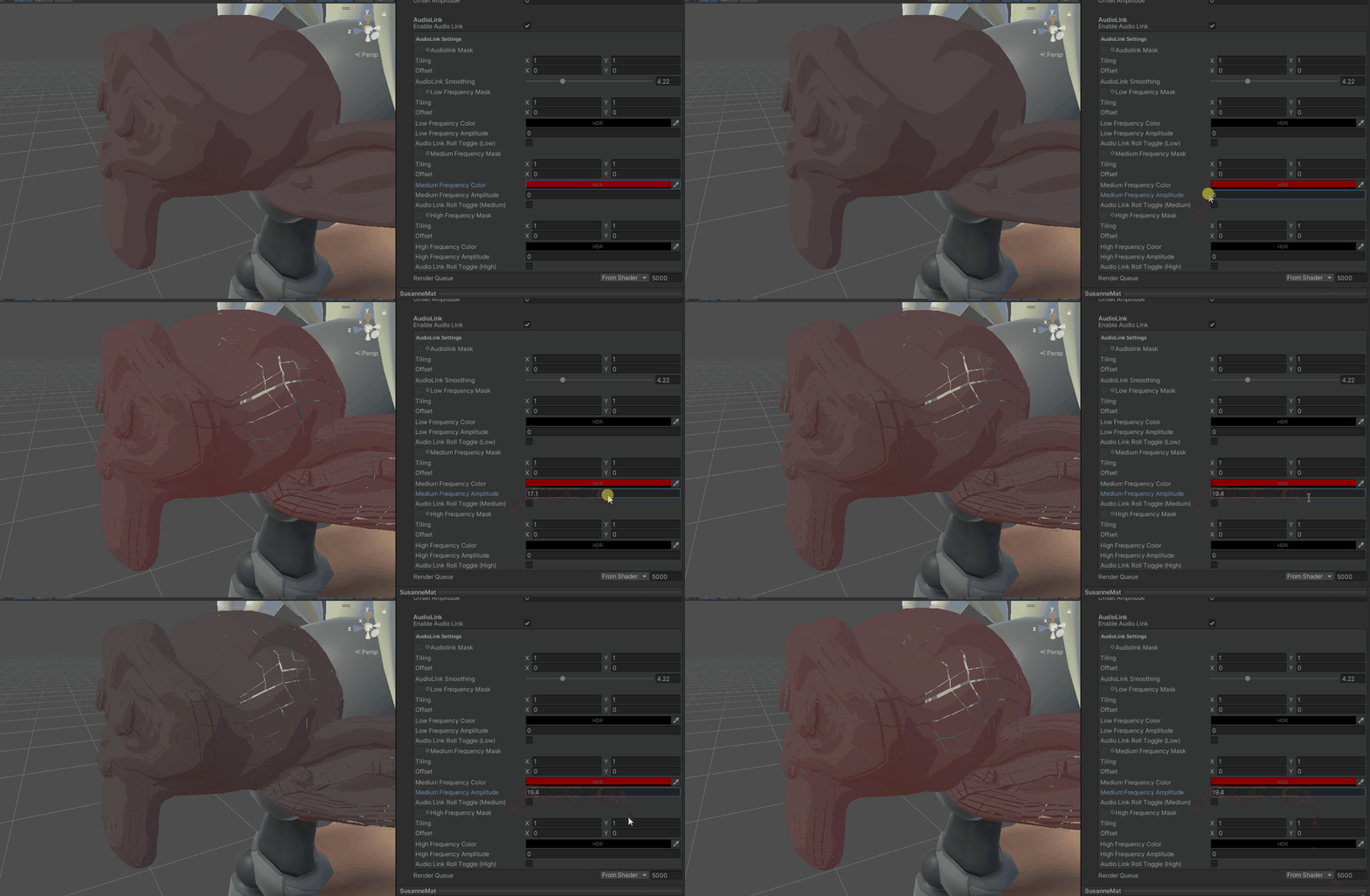
Amplitude
The amplitude moves the target position outwards. Similar to offset, but the amplitude is multiplied by the AudioLink output.
You can also combine this with the roll: